

Open Play → Practice
In the main menu go to Play and open the Practice tab.
 Download App
Unlimited grenades, a camera that shows where each nade lands and a key that repeats your last throw — set up in two minutes, offline or with friends.
 Scan to get
CS2 has a practice server built in. It covers the basics in four clicks.
In the main menu go to Play and open the Practice tab.
Grenade Camera, Infinite Ammo and Infinite Warmup — the switches in the list on the left.
Choose the map you want to learn, for example Mirage or Inferno.
You land on an empty server with unlimited nades and a camera that shows where each one lands.
Practice mode covers the basics. For a rethrow key, clearing smokes and full control, start an offline game, open the console with ~ and paste this config. If the console does not open, turn it on in Settings → Game → Enable Developer Console.
sv_cheats 1
sv_infinite_ammo 1
ammo_grenade_limit_total 5
sv_grenade_trajectory_prac_pipreview 1
sv_grenade_trajectory_prac_trailtime 8
mp_buy_anywhere 1
mp_buytime 9999
mp_freezetime 0
mp_roundtime_defuse 60
mp_warmup_end
bind n sv_rethrow_last_grenade
To load it with one command, save the lines as practice.cfg in the game/csgo/cfg folder of your CS2 install. Then type exec practice in the console.
All of these work only on your own server or in an offline match. They do nothing in Premier, Competitive or on FACEIT.
| Command | What it does |
|---|---|
sv_cheats 1 | Turns on cheat commands on your own server. Most commands below need it. |
sv_infinite_ammo 1 | Infinite grenades and ammo: a grenade stays in your hand after you throw it. |
sv_infinite_ammo 2 | Infinite ammo that still needs reloading. |
ammo_grenade_limit_total 5 | Carry all grenade types at once. |
sv_grenade_trajectory_prac_pipreview 1 | The grenade camera: a small window shows where the nade will land while you aim. |
sv_grenade_trajectory_prac_trailtime 8 | Keeps the flight path of a thrown grenade on screen for 8 seconds. |
sv_rethrow_last_grenade | Throws your last grenade again from the same spot, with the same angle and power. |
ent_fire smokegrenade_projectile kill | Removes every smoke on the map at once. |
ent_remove_all inferno | Removes the fire of molotovs and incendiaries on the ground. |
noclip | Fly through walls to see your smoke or flash from the enemy side. |
give weapon_smokegrenade | Gives you a smoke. Also works with weapon_flashbang, weapon_hegrenade, weapon_molotov, weapon_incgrenade and weapon_decoy. |
mp_buy_anywhere 1 | Buy grenades anywhere on the map. |
mp_buytime 9999 | Buy time never runs out. |
mp_freezetime 0 | No freeze time at the start of a round. |
mp_roundtime_defuse 60 | A 60-minute round on bomb maps. |
bot_kick | Removes all bots. |
mp_restartgame 1 | Restarts the match after 1 second. |
Three keys save the most time: repeat the last grenade, clear the smokes and fly to the other side to check the result.
bind n "sv_rethrow_last_grenade"
bind m "ent_fire smokegrenade_projectile kill; stopsound"
bind k "noclip"
These binds need sv_cheats 1, so they only work offline. Binds that pick a grenade with one key are on our CS2 binds page.
Many configs online were written for CS:GO. In CS2, sv_grenade_trajectory and sv_grenade_trajectory_time are gone: the grenade camera and sv_grenade_trajectory_prac_trailtime replace them. Some guides also list cl_grenadepreview — you don’t need it, the grenade camera already shows where the nade lands.
About jump-throw binds. Since the August 2024 update, binds that combine more than one movement or attack action (for example a jump-throw or null bind) no longer work on Valve servers. Valve made the jump-throw reliable without a bind: jump and release the grenade at the same time. A single-action bind such as bind mwheelup +jump is still fine.
The Steam Workshop has practice maps made for utility. Yprac Hub combines a nade trainer with aim and prefire drills. In Play → Practice you can also open the Workshop with the Map Guide filter and download a guide for the map you play; then turn on Use Map Guide before you start.
On a private server the host — or anyone with RCON access — runs the config, and everyone on the server gets unlimited nades and the grenade camera. Agree on who throws and who watches from the other side: it is the fastest way to learn smokes for a full execute.
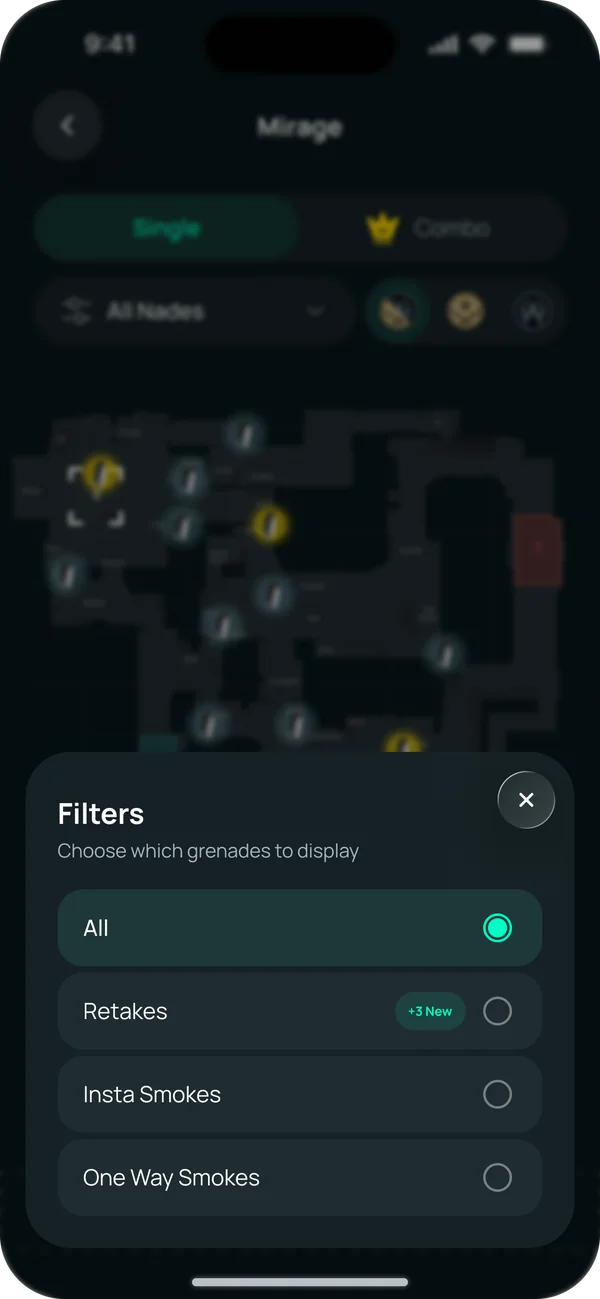
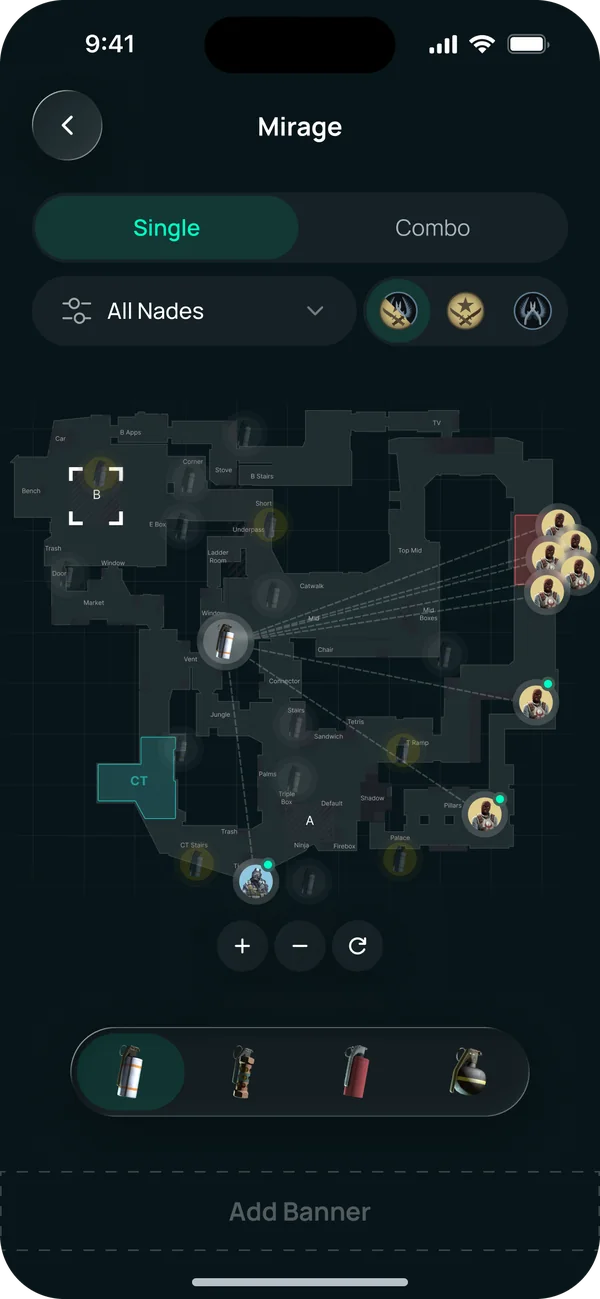
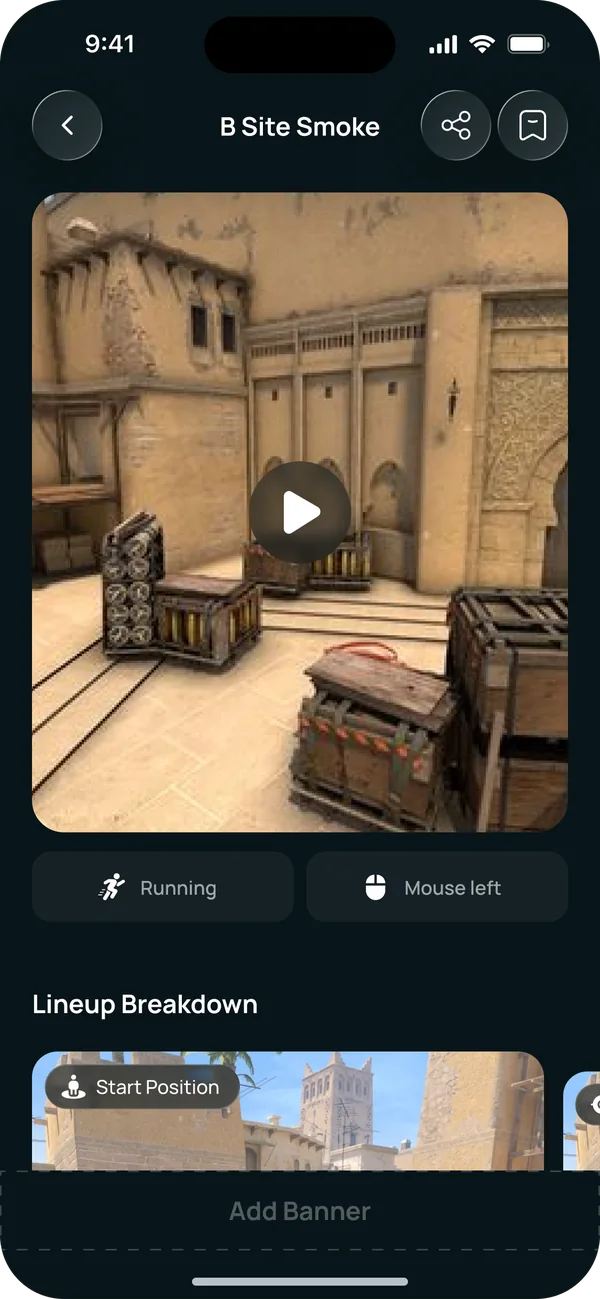
The commands make practice fast. RushB tells you what to practise: 2000+ lineups for the competitive maps with position, aim point, throw type and video.
Block vision on chokepoints, cut rotations and take sites with one-ways, execute smokes and retake smokes.
Open → FlashbangPop flashes for entries, flashes for your teammates and safe flashes you can throw without blinding yourself.
Open → HE grenadeDamage stacked defenders, finish low players and open a smoke for a moment with a well-timed HE.
Open → Molotov / IncendiaryClear close corners, stop pushes and delay a defuse with molotovs and incendiaries thrown from safe spots.
Open →Type sv_cheats 1, then sv_infinite_ammo 1. Add ammo_grenade_limit_total 5 to carry every grenade type at once. It works on your own server or in an offline match.
Use sv_rethrow_last_grenade. Bind it to a key — bind n "sv_rethrow_last_grenade" — and the game throws the same grenade again from the same spot, even while you watch from somewhere else.
With sv_cheats 1 on, ent_fire smokegrenade_projectile kill removes every smoke on the map. ent_remove_all inferno removes molotov fire.
Turn on the grenade camera: sv_grenade_trajectory_prac_pipreview 1, or the Grenade Camera switch in Play → Practice. A small window shows the landing spot while you aim.
No. They need sv_cheats 1, which only works on your own server or in an offline match.
No. Since August 2024 binds that combine several movement or attack actions don’t work on Valve servers, and the jump-throw is reliable without one: jump and release the grenade at the same moment.
Lineups, tactics, setups, binds and an AI coach — free to download on iPhone and Android.