
CS2 binds & console commands
Binds that still work on Valve servers, a ready practice config for lineups and the console commands you actually need.


 Scan to get
RushB on your phone
What a bind is
A bind connects a key to a command. Instead of typing in the console every time, you press one key. Binds are used for jumping on the mouse wheel, practice commands, voice and volume, buying and many other things.
How to open the console in CS2
- Go to Settings → Game and turn on Enable Developer Console (~).
- Press
~in the game to open the console. - Type a command and press Enter. A bind looks like this:
bind "KEY" "command".
Binds that still work in 2026
A bind is allowed on Valve servers when one key does one action. The most popular one is jumping on the mouse wheel:
bind mwheelup +jump
bind mwheeldown +jump
About jump-throw binds. Since the August 2024 update, binds that combine more than one movement or attack action (for example a jump-throw or null bind) no longer work on Valve servers. Valve made the jump-throw reliable without a bind: jump and release the grenade at the same time. A single-action bind such as bind mwheelup +jump is still fine.
Practice config for lineups
Paste this into the console in an offline match with bots to practise grenades:
sv_cheats 1
sv_infinite_ammo 1
ammo_grenade_limit_total 5
sv_grenade_trajectory_prac_pipreview 1
sv_grenade_trajectory_prac_trailtime 8
cl_grenadepreview 1
mp_buy_anywhere 1
mp_buytime 9999
mp_warmup_end
bind n sv_rethrow_last_grenade
Useful practice commands
These commands only work on your own server or in an offline match, not in Premier or on FACEIT.
| Command | What it does |
|---|---|
sv_cheats 1 | Allows practice commands on your own server. Needed for most commands below. |
sv_infinite_ammo 1 | Infinite ammo and grenades. |
ammo_grenade_limit_total 5 | Carry all grenade types at once. |
sv_grenade_trajectory_prac_pipreview 1 | Shows a preview of where the grenade will land. |
sv_grenade_trajectory_prac_trailtime 8 | Keeps the grenade’s flight path on screen for 8 seconds. |
cl_grenadepreview 1 | Shows the arc while you hold the throw. |
sv_rethrow_last_grenade | Throws your last grenade again from the same spot (needs sv_cheats 1). |
noclip | Fly through the map to look at a smoke from the enemy side. |
mp_buy_anywhere 1 | Buy anywhere on the map. |
mp_buytime 9999 | Buy time never runs out. |
mp_warmup_end | Ends the warmup. |
bot_kick | Removes all bots. |
mp_restartgame 1 | Restarts the match after 1 second. |
Binds and commands in RushB
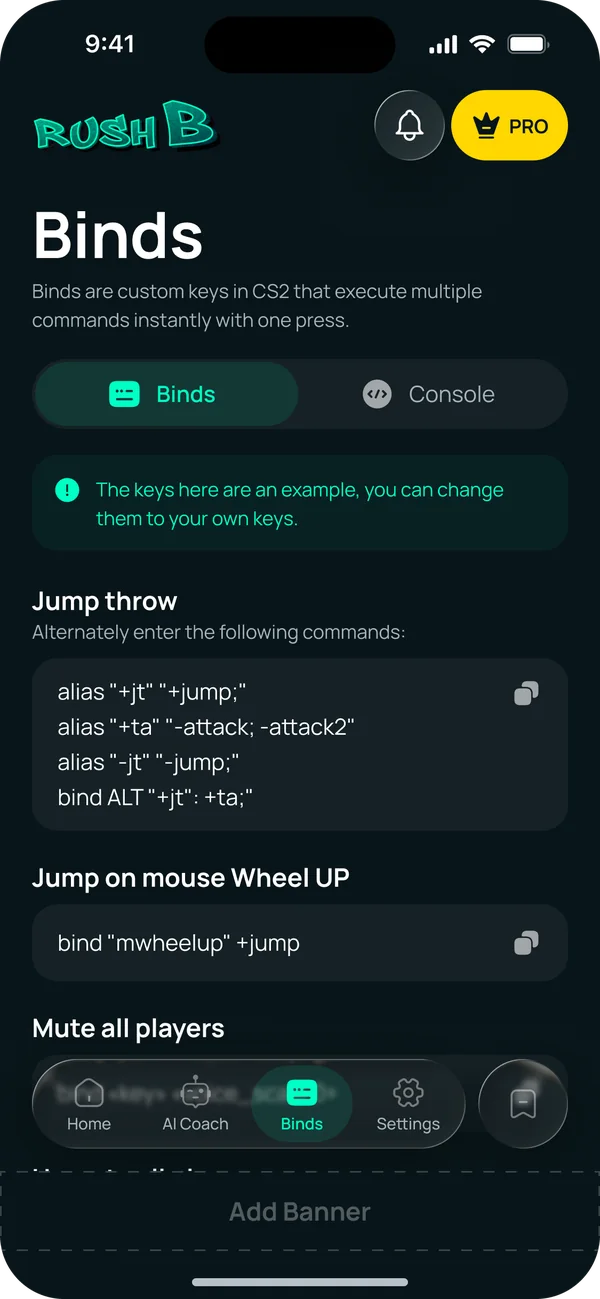
The Binds section of the app has ready-made binds and a Console tab with commands you can copy in one tap — no searching through forums and old CS:GO guides.
Questions
Does the jump-throw bind still work in CS2?
Not on Valve servers. Since the August 2024 update, binds that combine more than one movement or attack action are blocked, and players who automate several actions from one key may be kicked. Valve made the jump-throw reliable without a bind.
How do I enable the console in CS2?
Settings → Game → Enable Developer Console (~). Then press ~ in the game.
Can I use practice commands in matchmaking?
No. Commands that need sv_cheats 1, such as sv_rethrow_last_grenade or noclip, only work on your own server or in an offline match.
Where do I save binds so I don’t type them every time?
Put them in an autoexec config file in your CS2 cfg folder and add +exec autoexec to the game’s launch options in Steam.
Get RushB on your phone
Lineups, tactics, setups, binds and an AI coach — free to download on iPhone and Android.