


“I’m stuck at FACEIT level 4–6 — how do I reach level 10?”
Get a plan for your weak spots instead of generic advice.
 Download App
Ask anything about CS2 and your game — tactics, decisions, settings, demos — and get advice for your level and role.
 Scan to get
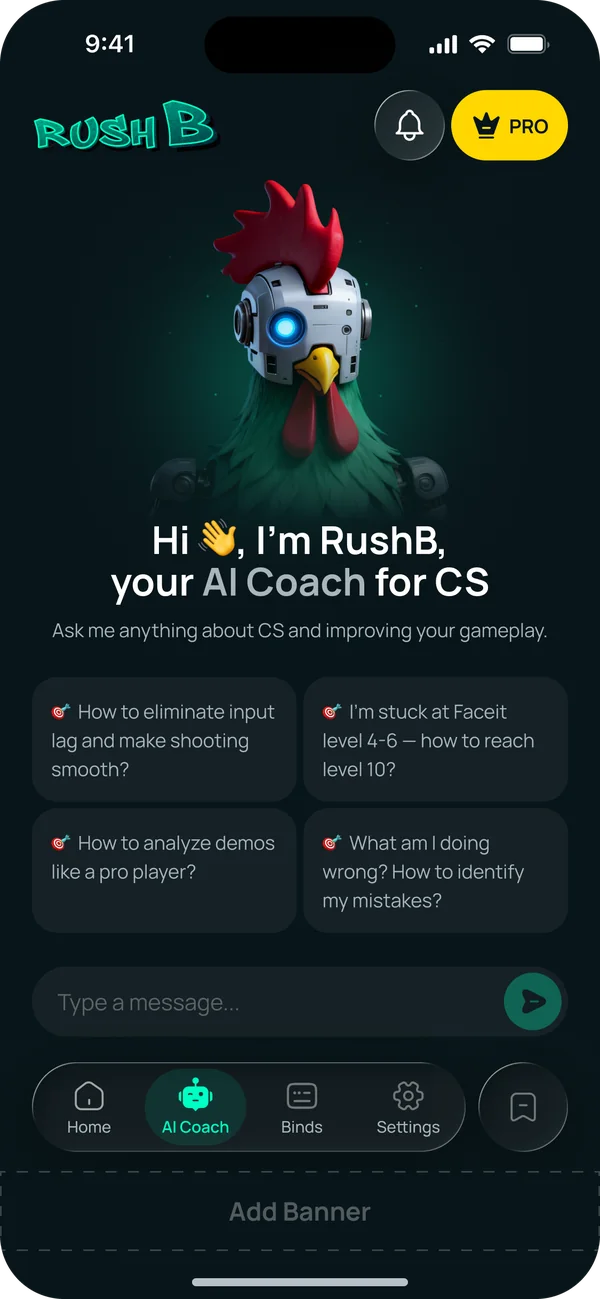
Get a plan for your weak spots instead of generic advice.
Learn what to look at in your own demos and what to change.
Describe a round and get an honest breakdown of the decisions.
Settings, configs and habits that make your aim feel better.
FACEIT level 10 starts at 2001 Elo. The AI coach works next to the lineups, tactics and setups in the app, so advice turns straight into something you can practise.
The AI coach gives advice, not guarantees. Check important settings and lineups in a practice match before you rely on them.
Anything about CS2: tactics, positions, utility, settings, demos, your mistakes and how to climb on FACEIT or in Premier.
No. You describe the situation or your problem in the chat, and the coach answers based on that.
The app is free to download. Access to some features, including parts of the AI coach, may require RushB Pro.
Lineups, tactics, setups, binds and an AI coach — free to download on iPhone and Android.